

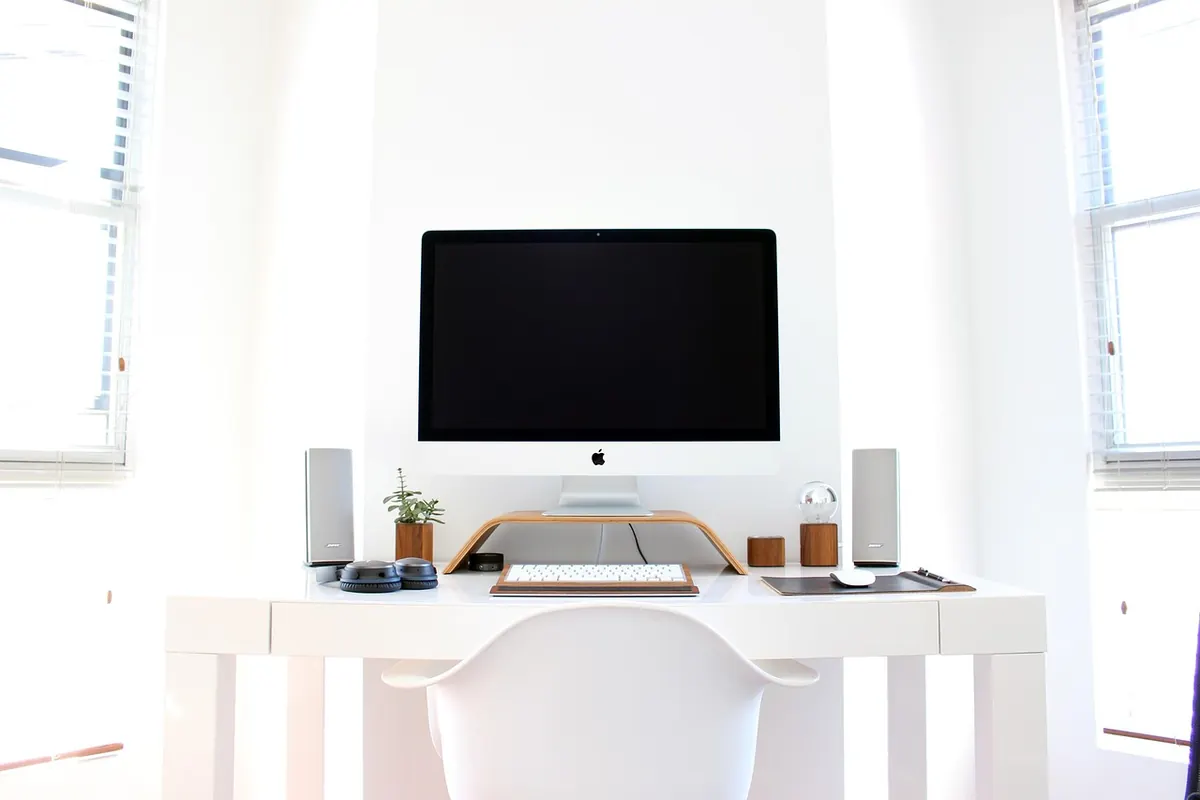
A home office can be a comfortable, productive place to work — or a slow source of nagging back pain. The trouble is rarely one dramatic moment. It is the small, repeated compromises: a dining chair that sits too low, a laptop propped on a stack of books, three hours passing without standing up. Most of it is fixable in an afternoon, and much of it costs nothing. Work through the following in order — chair first, then screen, then desk, then habits — and you will finish with a setup that supports you instead of quietly working against you.
Start with the chair, because everything else depends on it
Your chair sets the height and angle of everything above it. Get it wrong and no amount of screen fiddling will save your neck.
Sit down properly before you adjust anything: bottom back in the seat, back against the backrest, feet flat on the floor. Then work through these in order.
- Seat height. Your knees should sit roughly level with your hips, or just slightly below. If your feet dangle, lower the chair. If your knees rise above your hips, raise it. Feet flat and stable, not balanced on tiptoes.
- Seat depth. You want a gap of about two fingers between the back of your knees and the front edge of the seat. If the seat presses into the back of your legs, you will slide forward and lose the support of the backrest.
- Backrest angle. A slight recline takes pressure off the lower back. Locking the chair bolt upright feels disciplined and is rarely comfortable for long.
- Lumbar support. It should sit in the small of your back, around waist level, not up between your shoulder blades. A rolled towel or a small cushion does the job if your chair has nothing adjustable.
- Armrests. Set them so your shoulders stay relaxed when your arms rest on them. If they push your shoulders up towards your ears, lower them or take them off.
If you are working at a dining chair
Dining chairs are built for eating, not for long working days. Two cheap additions make a real difference: a firm cushion to raise the seat, and a footrest — or a stack of sturdy books — to bring the floor up to your feet. Neither turns a dining chair into a proper task chair, but they stop the worst of the slouching.
Bring the screen up to your eyes
Your neck should stay roughly neutral. That means the top of the screen sitting at or just below eye level, with the screen about arm's length away — somewhere in the region of 50 to 70 centimetres. If you are looking down at the screen, your neck is doing work your chair should be doing.
Laptop users have a specific problem: the screen and keyboard are joined together, so you cannot have both a comfortable neck and comfortable wrists at the same time. Pick the neck. Raise the laptop on a stand, a box or a pile of books, then add a separate keyboard and mouse at desk level. A wireless keyboard and mouse costs far less than a course of treatment.
One screen or two?
Whatever you use most should be directly in front of you. If you run two monitors, put the main one in the centre and angle the second towards you rather than twisting your neck to read it all day. The same applies to a laptop plus an external monitor.
Deal with glare where you can. Avoid sitting with a bright window directly behind the screen or directly behind your head. Close the blinds, shift the desk, or angle the screen slightly away from the light.
Set the keyboard, mouse and desk height
With the chair sorted, your desk height decides how your arms sit.
- Elbows should rest at roughly 90 degrees, or a touch more open, with your upper arms hanging relaxed by your sides.
- Wrists should stay straight, not bent up or down. Let them float rather than resting them on the desk edge.
- The keyboard should be close enough that you are not reaching for it, with the mouse right beside it — same level, not down on a lower shelf.
- Shoulders down, not hunched. If you notice them creeping up towards your ears, your desk is probably too high.
If your desk is fixed and too high, raise the chair and add a footrest. If it is too low and cannot be adjusted, desk risers or sturdy blocks under the legs are a safer bet than sawing anything. Prop documents up on a stand or a folder rather than reading them flat, and keep the things you use most within easy reach so you are not twisting or stretching all day.
Move more than you think you need to
No setup, however carefully arranged, is designed to hold you still for hours. The position you sit in matters, but how often you change it matters more.
Aim to shift every 30 to 45 minutes. Stand up, walk to the kettle, take a phone call on your feet, do a couple of shoulder rolls and a gentle stretch of the upper back. Short, frequent breaks beat one long stretch at lunchtime. If you use a standing desk, alternate rather than standing all day — standing still for three hours is not much better than sitting still for three.
For your eyes, try looking at something about six metres away for 20 seconds every 20 minutes. It sounds fussy. It helps.
A two-minute reset you can run each morning
- Chair height set so your feet are flat and your knees level with your hips.
- Lower back supported in the small of the back.
- Top of the screen at or just below eye level.
- Screen about arm's length away, main screen centred.
- Keyboard and mouse close, wrists straight, elbows around 90 degrees.
- Feet supported by the floor or a footrest — nothing dangling.
- Most-used items within easy reach, no twisting required.
- A reminder set to stand up every 30 to 45 minutes.
Make it stick — and know when to ask for help
Set the desk up once, properly, then do a quick two-minute check at the end of each day: push the chair back, clear the clutter, and see whether anything has drifted. Chairs get borrowed, screens get nudged, cushions migrate. A weekly glance is usually enough.
Expect a little stiffness in the first week or two while your body adjusts to sitting differently, but do not push through pain. If back pain lasts more than a couple of weeks, keeps returning, or comes with numbness, tingling or weakness in your legs, see your GP or a physiotherapist rather than rearranging your desk again. Good ergonomics is prevention, not diagnosis.
Small adjustments, repeated daily, are what keep a home office comfortable. Sort the chair, lift the screen, and get up more often than feels necessary. That is most of it.
Photo: Pexels / Pixabay